 15 Days Money-back Guarantee
 Smile Safe & Secure online payment
 Dedicated Support
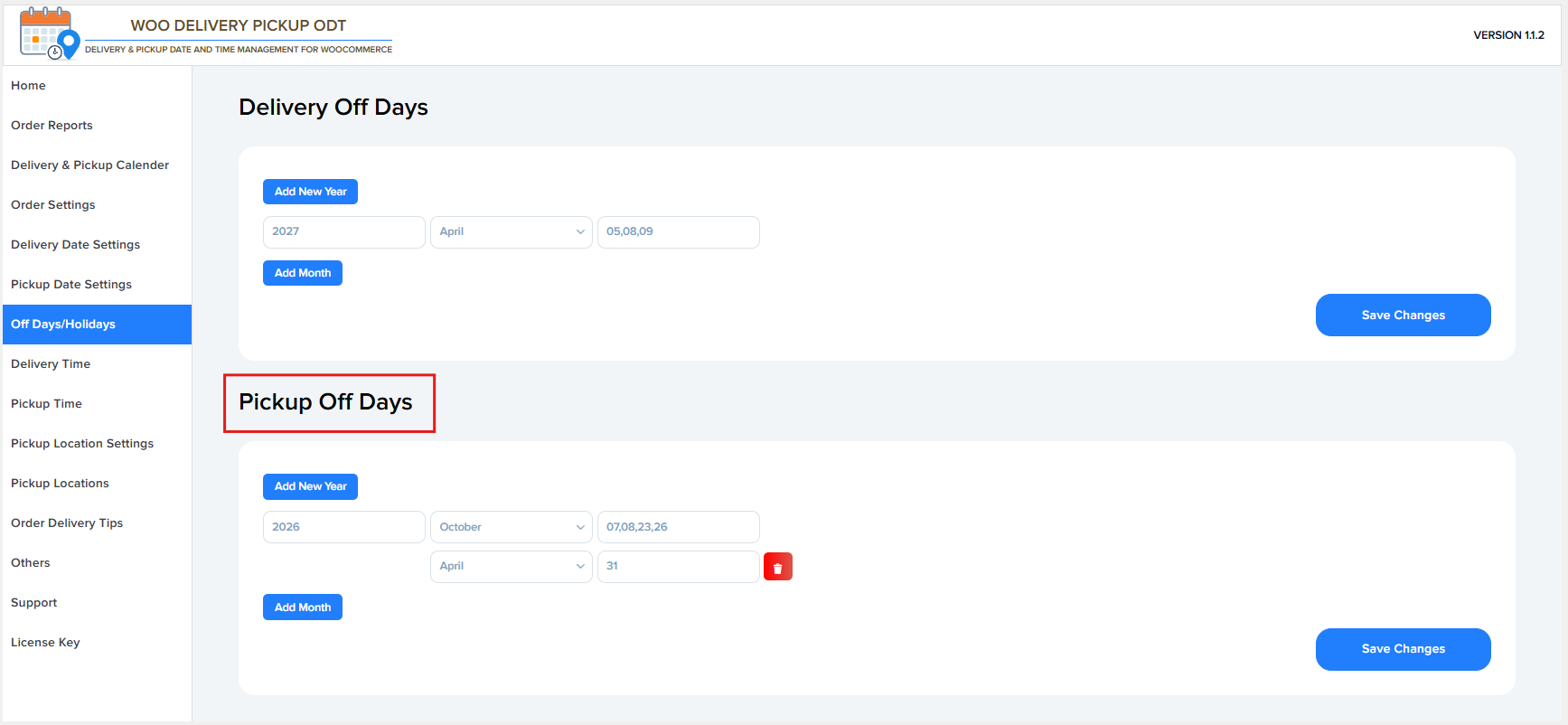
Delivery Off Days
These settings allow you to define dates when delivery is not available.
Add New Year
Use this button to add off days for a specific year.
Year
Select the year for which you want to set delivery off days
Example: 2027.
Month
Choose the month in which delivery should be disabled.
Example: April.
Off Days (Dates)
Enter the specific dates of the selected month when delivery is unavailable.
Example 05, 08, 09.
- Multiple dates can be added, separated by commas
Add Month
Click this button to add another month with different off days under the same year.
Save Changes
Saves all delivery off-day settings.
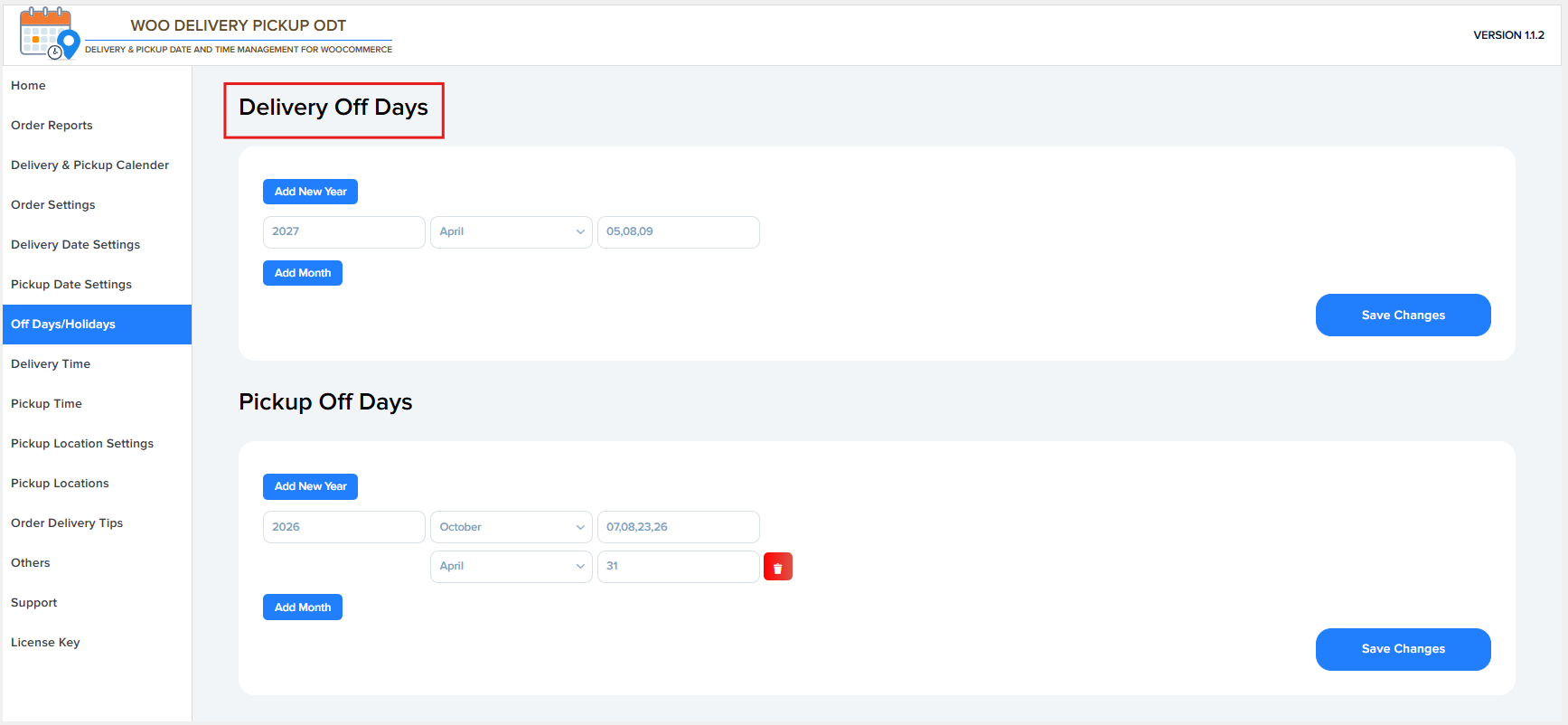
Pickup Off Days
These settings allow you to define dates when pickup is not available.
Add New Year
Use this button to add pickup off days for a new year.
Year
Select the year for which you want to set delivery off days
Example: 2026.
Month
Choose the month when pickup should be disabled
Example: October, April.
Off Days (Dates)
Specify the exact dates in the selected month when pickup is not available.
Example 07, 08, 23, 26 or 31 .
Add Month
Add another month with pickup off days under the same year.
Save Changes
Saves all pickup off-day settings.