 15 Days Money-back Guarantee
 Smile Safe & Secure online payment
 Dedicated Support
The Delivery & Pickup Date and Time Management for WooCommerce plugin solves this by letting customers pick a date and time while you control what’s realistic. But it comes in two tiers, and the gap between them is bigger than most store owners expect. This guide breaks down exactly what you get free, what you only get with Pro, and how to decide which one your store needs.
For stores dealing with frequent pickup orders, a WooCommerce Pickup Time Plugin can make scheduling more predictable and easier to manage.
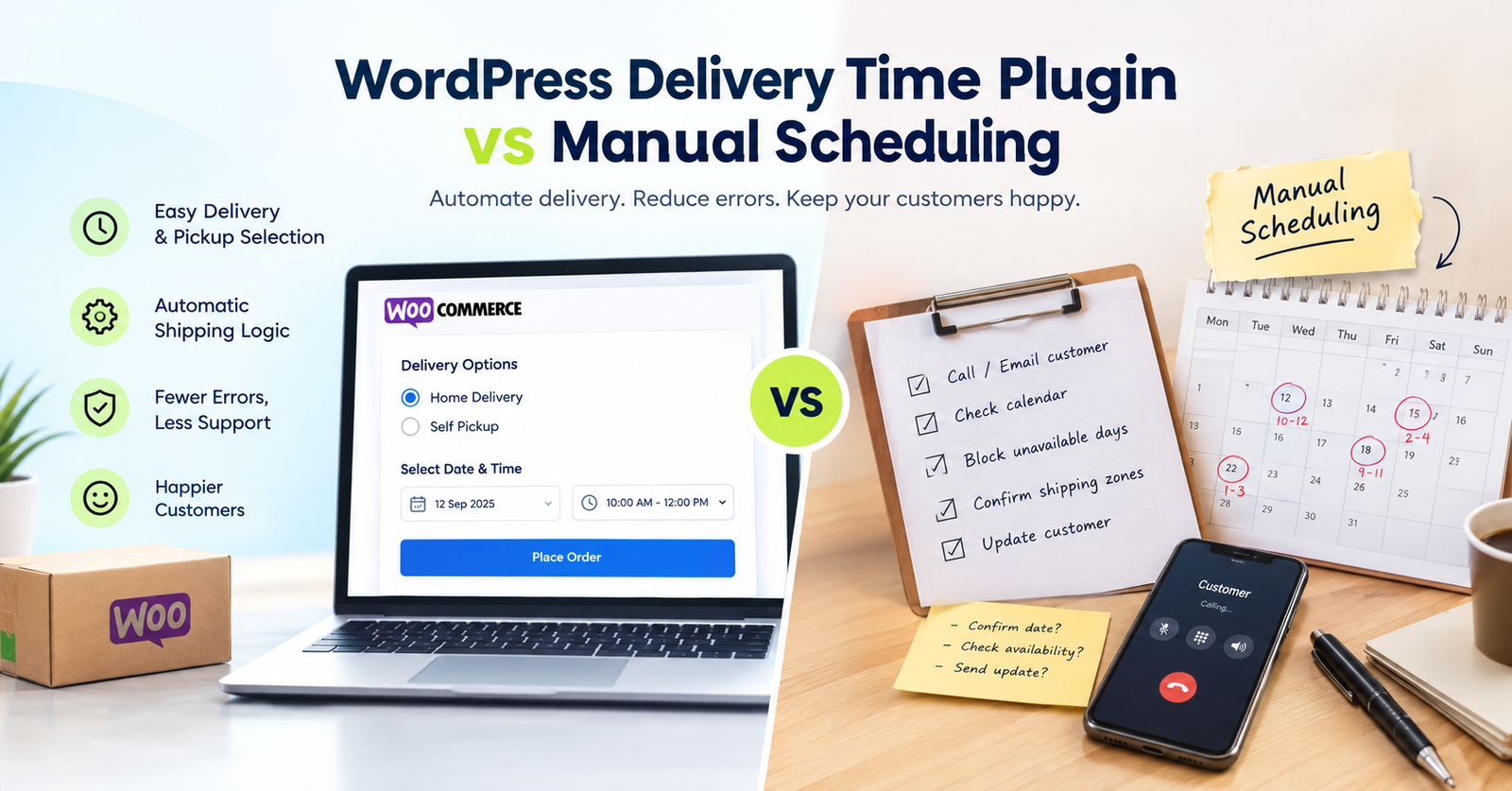
The Short Version
The free version handles the basics: a date and time field on checkout. The Pro version turns that basic field into a full operations system — multiple pickup locations, capacity limits, zone-based rules, fees, calendars, and reporting. The free version provides basic delivery and pickup date and time functionality for WooCommerce, while the Pro version adds a wide range of advanced features for managing delivery and pickup date, time, and locations.
If you’re a single-location shop with predictable hours, Free may cover you. If you juggle multiple pickup points, capacity limits, zones, or fees, you’ll hit Free’s ceiling fast. You can browse the free version directly on the WordPress.org plugin directory before deciding.
Where Pro Actually Earns Its Price
Multiple pickup locations, with real control. Store owners can specify a list of pickup locations for checkout, set how many pickup orders each location can take, disable specific weekdays or dates per location, and restrict a location to certain categories or shipping zones. Free doesn’t offer multiple locations at all — this alone is often the deciding factor for stores with more than one storefront.
Time slots that match real capacity. Pro lets you build custom time slots, control which weekdays they appear on, cap the number of orders per slot, attach a fee, and disable a slot for a specific product, category, shipping zone, or the current day. Free gives you a date and time picker — not a capacity-aware slot system.
Cutoffs that protect your kitchen. You can set a store closing time after which the current day is no longer selectable, and even push the cutoff further out for specific shipping zones — so a New York cutoff can differ from a California one.
Reporting your team can actually use. Pro adds Excel exports of delivery reports for today, tomorrow, this week, this month, or a custom range, plus a calendar view showing order and product-quantity data that you can filter by pickup location or order status. Free has no equivalent reporting layer.
Revenue and retention tools. Pro supports delivery fees by day or delivery window, and a delivery-tip option customers can use to reward drivers directly.
What Free Actually Gives You
Free isn’t a stripped-down demo — it’s a working checkout scheduler. It handles the core job: customers pick a delivery or pickup date and time, and you can edit that selection from the order page and notify customers of changes. If your business has one location, doesn’t need capacity limits, and doesn’t need slot fees or reporting, Free may be all you need to stop the “where’s my order” messages. It’s worth comparing against other options in the wider WordPress plugin directory before you commit either way.
Where it falls short is scale and control — anything involving multiple locations, per-zone rules, revenue features, or reporting requires Pro.
How to Choose
Ask yourself these questions:
- Do you have more than one pickup point? → You need Pro.
- Do you need to cap orders per slot or per day so you’re never overbooked? → You need Pro.
- Do you want to charge for rush slots or collect delivery tips? → You need Pro.
- Do you need exportable reports or a filterable calendar for your team? → You need Pro.
- Is your store a single location with simple, predictable hours? → Free may be enough to start.
Most growing stores outgrow Free within the first few busy weeks — usually right around the point where two customers show up for the same slot.
Final Thoughts
Free solves the basic problem: a date and time field instead of “ASAP.” Pro solves the operational problem: capacity, zones, fees, reporting, and multi-location logistics. If you’re testing the waters, Free is a reasonable start. If timing is core to your business — bakeries, florists, grocery delivery, restaurants — Pro’s slot limits and cutoff controls tend to pay for themselves in avoided overbooking within the first month.
Ready to bring order to your pickups and deliveries? Start on the WP Dev Studio Home page, browse our full lineup on the Plugins page, find more how-tos on our Blog, or reach out through Support if you’d like help setting things up.
