 15 Days Money-back Guarantee
 Smile Safe & Secure online payment
 Dedicated Support
(a) Go to your plugin website > Woo Delivery Pickup OTD > License key tab. You are seeing the following image
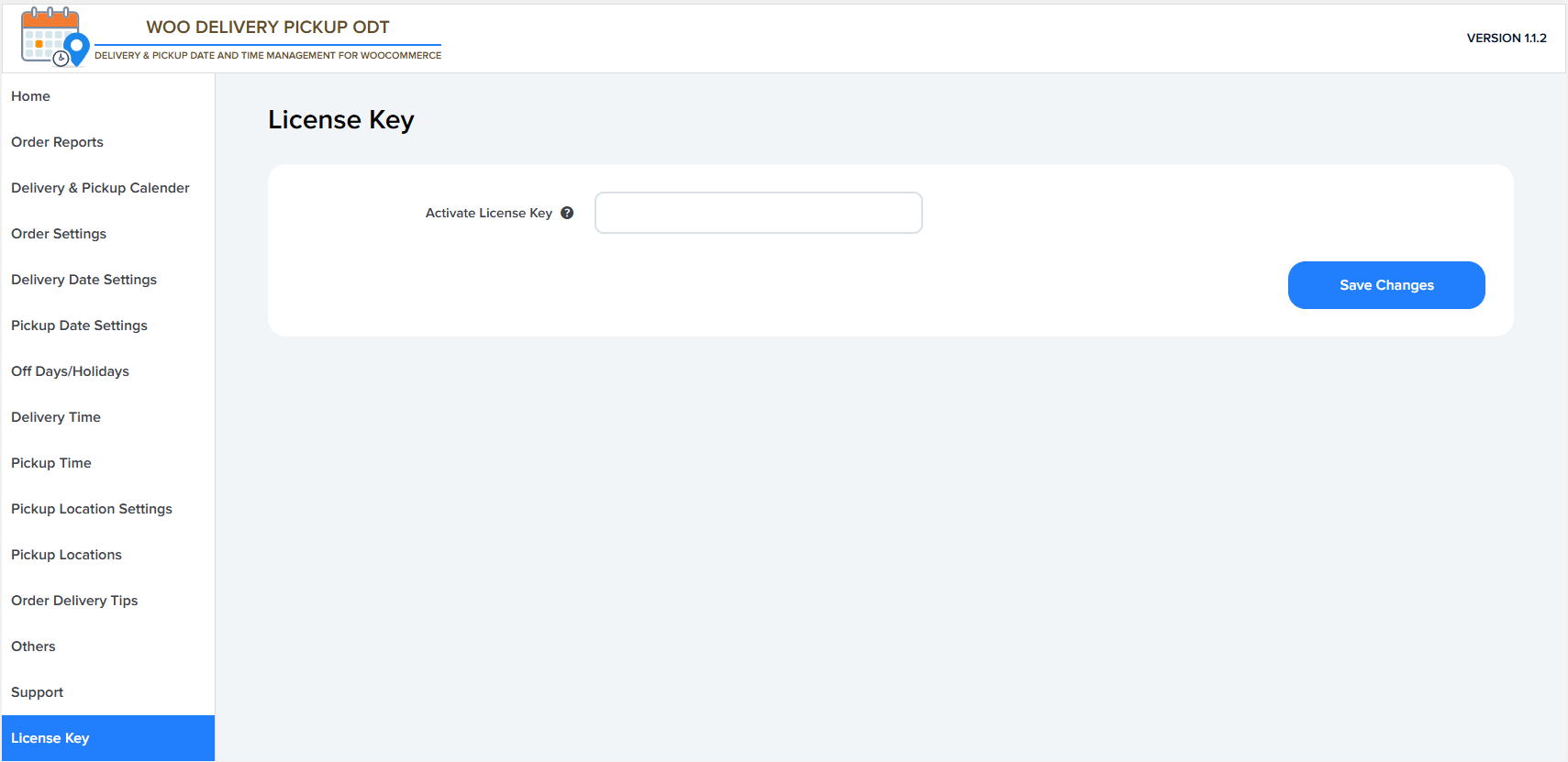
(b) Log in to your WordPress account and go to the License Key tab section. You will see the following screen.
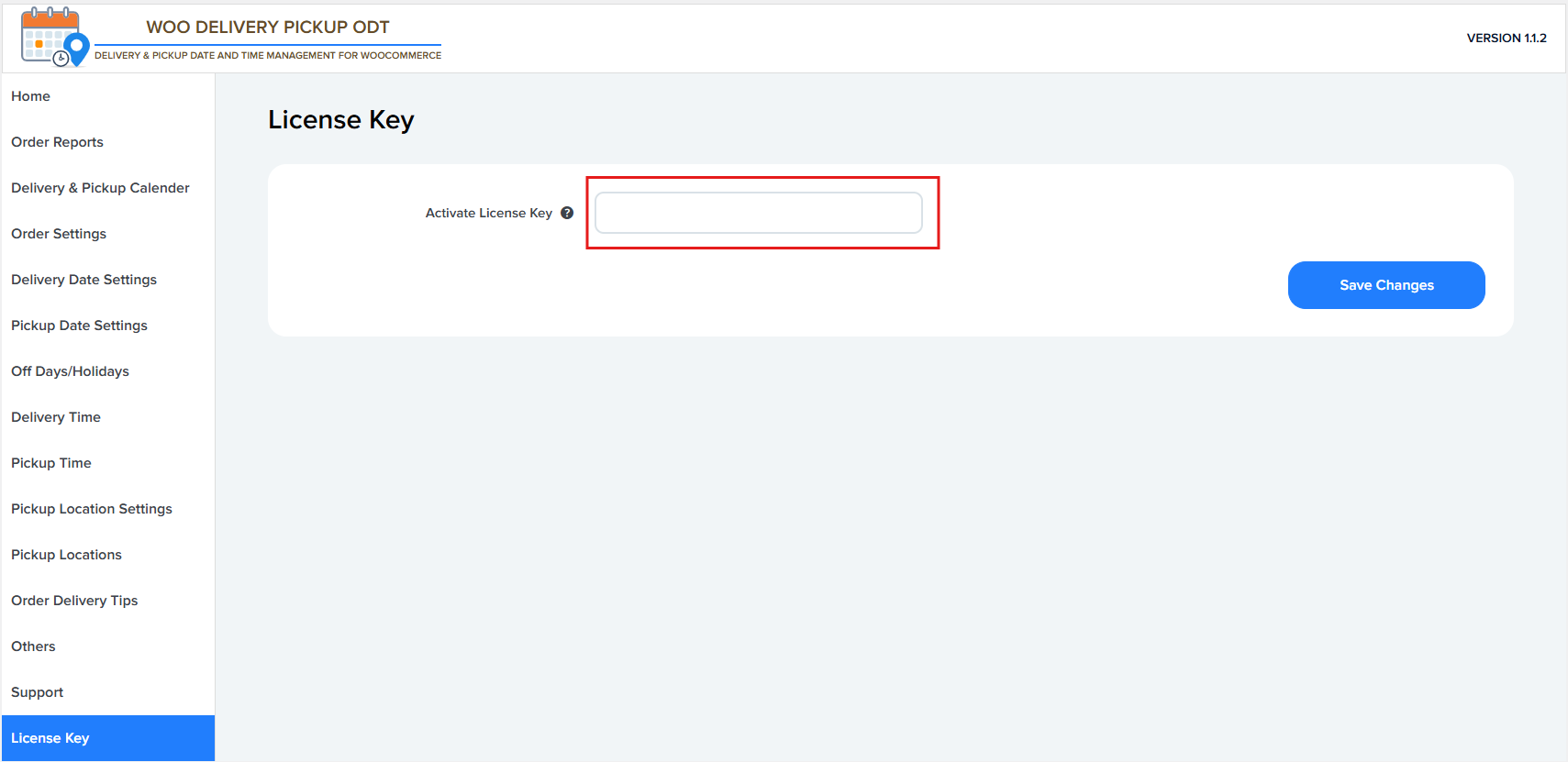
(c) Copy the license key, paste it into the box, and click the Save Changes button.
(d) Now your license key is activated successfully.