 15 Days Money-back Guarantee
 Smile Safe & Secure online payment
 Dedicated Support
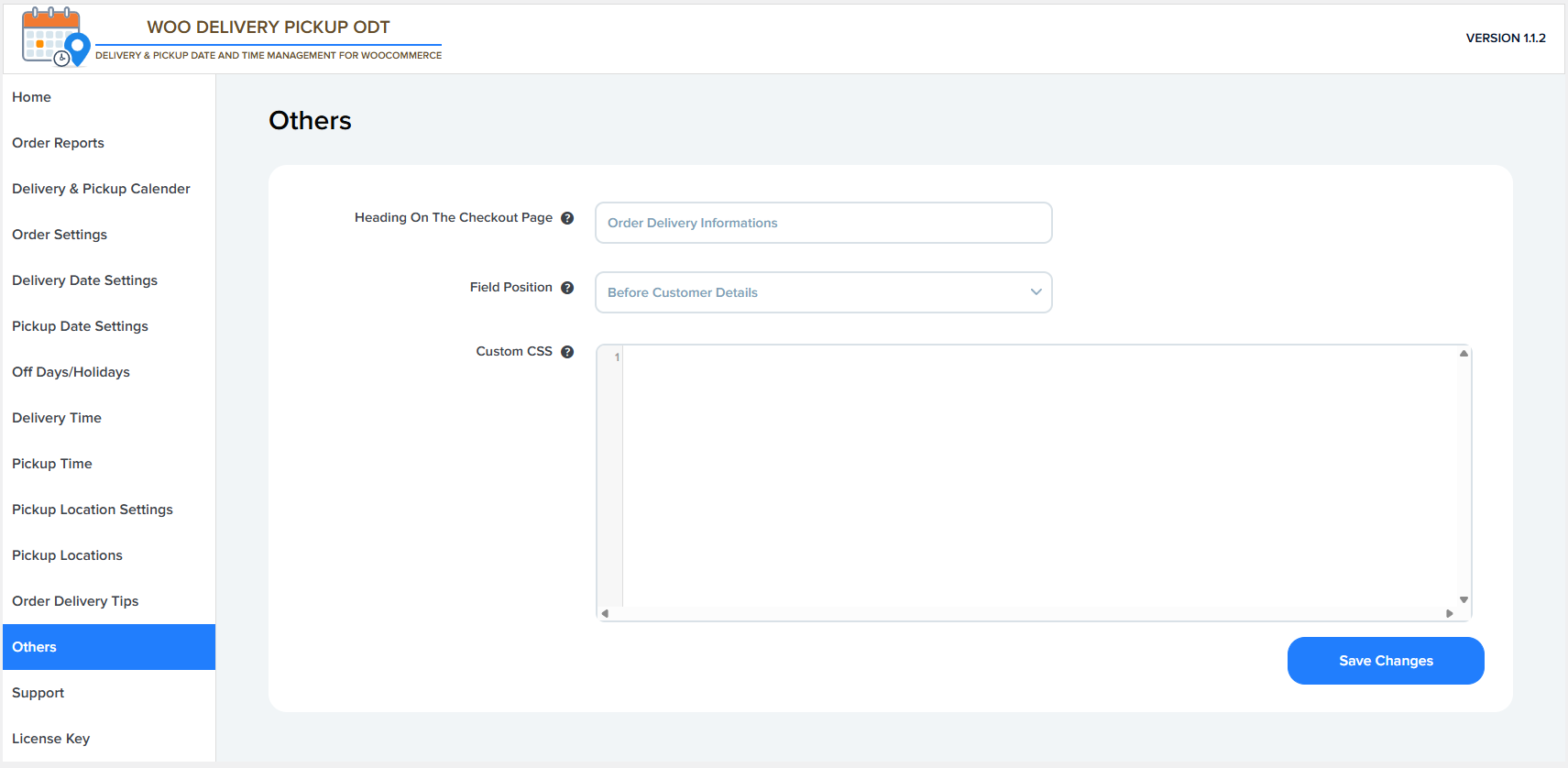
Heading On The Checkout Page
- Sets the section heading text displayed on the WooCommerce checkout page.
- This heading appears above delivery and pickup-related fields.
- Example shown: Order Delivery Informations
- Useful for grouping all delivery details under a clear title.
Field Position
- Controls where the delivery & pickup fields appear on the checkout page.
- Example option shown: Before Customer Details
- Typical positions may include:
- Before customer details
- After customer details
- Before order notes
- After order review
- Helps optimize checkout layout and user experience.
Delivery Tips Field Label
- Allows you to add custom CSS styles for delivery and pickup fields.
- Useful for:
- Changing font size or color
- Adjusting spacing or alignment
- Matching the checkout design with your theme
- Example use cases:
- .woo-delivery-date {
margin-bottom: 20px;
}
- .woo-delivery-date {