 15 Days Money-back Guarantee
 Smile Safe & Secure online payment
 Dedicated Support

Order Delivery & Pickup Location Date Time
However, to fulfill the order, you may require…
- Version : 1.1.0
- Last Updated : 06.01.2026

Time required to prepare an order
Not all products are identical. Occasionally, additional preparation time is necessary before shipping can occur.
Maximize cost-effectiveness of shipping
Ensure timely delivery
Organize Local Deliveries & Pickups within WooCommerce’s Schedule
With Order Delivery & Pickup Location Date Time, you can establish various delivery schedules, apply charges for weekdays and special dates, organize local pickup dates, and notify customers when their orders are ready.
Provide your customers with special treatment and encourage loyalty – 83% appreciate it!

Sometimes, it’s best to discover and experience things for yourself.
An innovative delivery scheduling plugin designed for retail stores.
Delivery & Pickup Location Date Time for WooCommerce features can help you provide speedy service and quick order fulfillment
Enable customers to choose their desired pickup/delivery date and time.
Schedule and manage deliveries according to customer
- Customers have the option to choose between pickup and delivery on checkout page.
- Customers have the option to choose date and time.
Methods of shipment
Certain online stores need their delivery schedules to align with specific shipping methods.
- Select one or multiple shipping methods
- Incorporate delivery date and time settings for shipping methods. Additionally, you can include extra charges if necessary.
Pickup Location
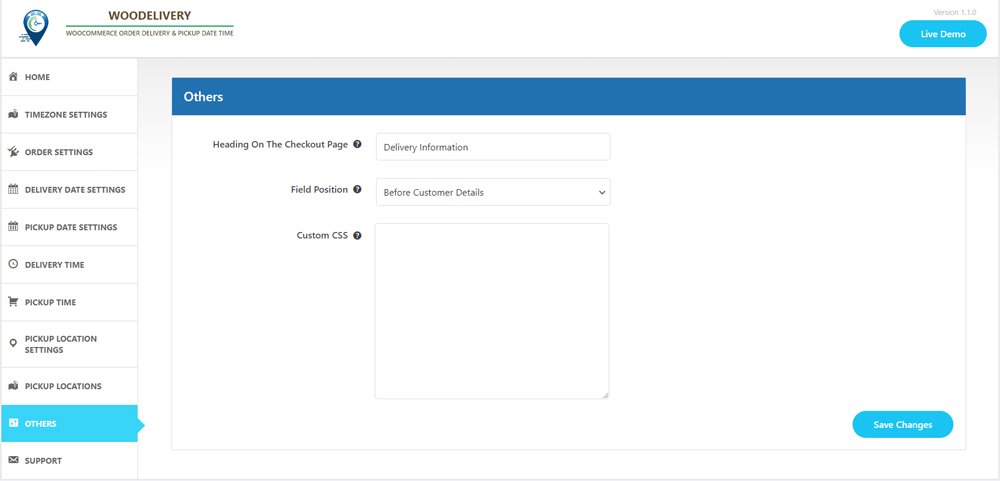
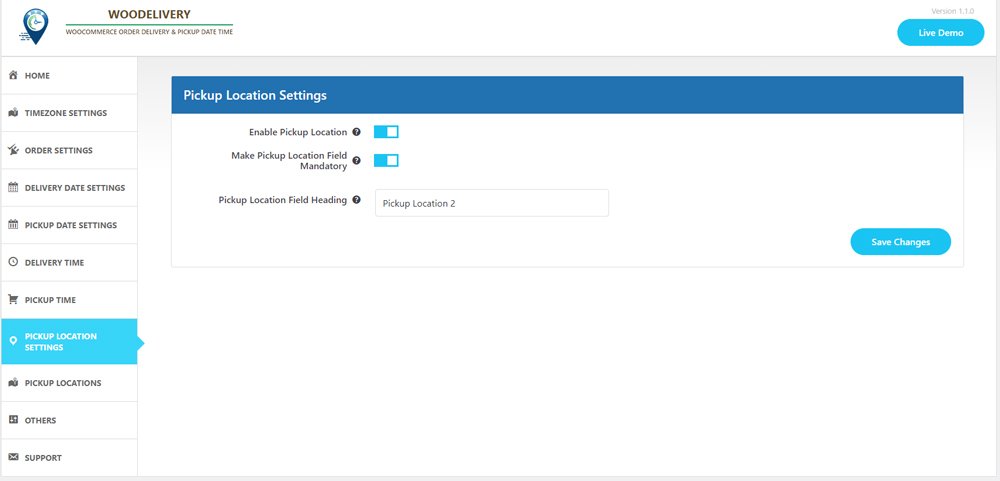
If you’re providing pickup services for your products, this option is tailored for you.
- Choose the product and select your desired pickup location.
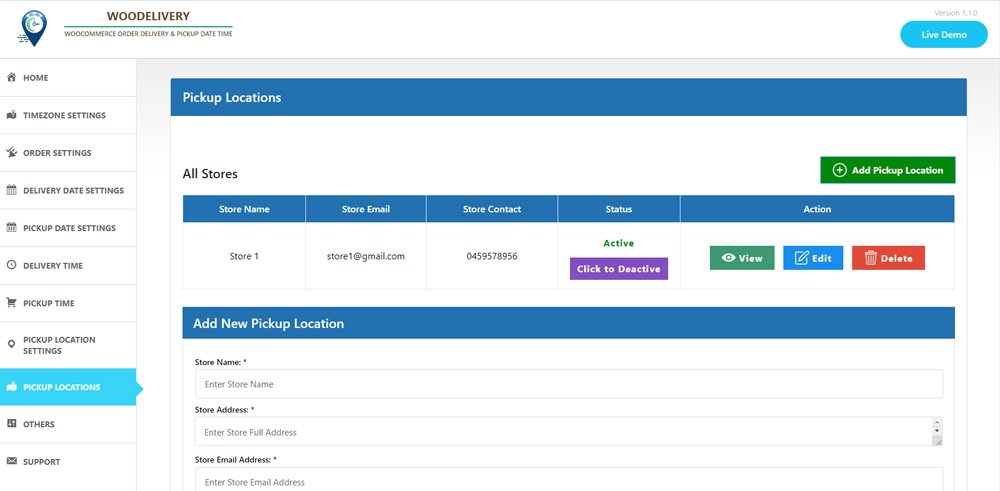
- Add Multiple pickup location, address, phone number and email
- The date and time slot may vary based on the location chosen by the customer.
Express delivery options for same day and next day service
- Establish delivery fees for same-day and next-day delivery services.
- Delivery fees may vary depending on the time.
Minimum required delivery time
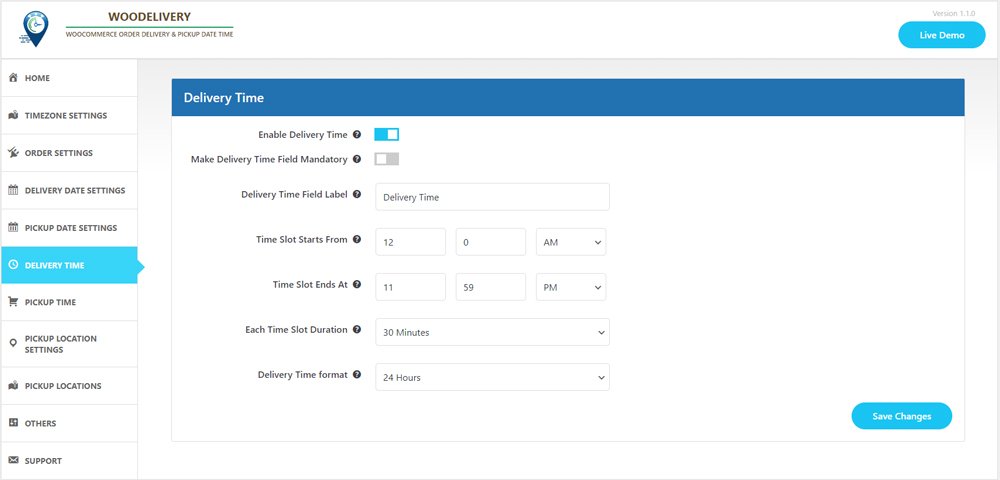
Store owners may need a certain amount of preparation time before their products are ready for delivery to customers.
- Set the minimum delivery time
- You can oversee the start time and end time for each day of the week, from Monday to Sunday.
Compatible with the WooCommerce Checkout block feature
- Accessible within the “Shipping Address” block
- Pickup location, delivery date, and time slot fields will appear accordingly.
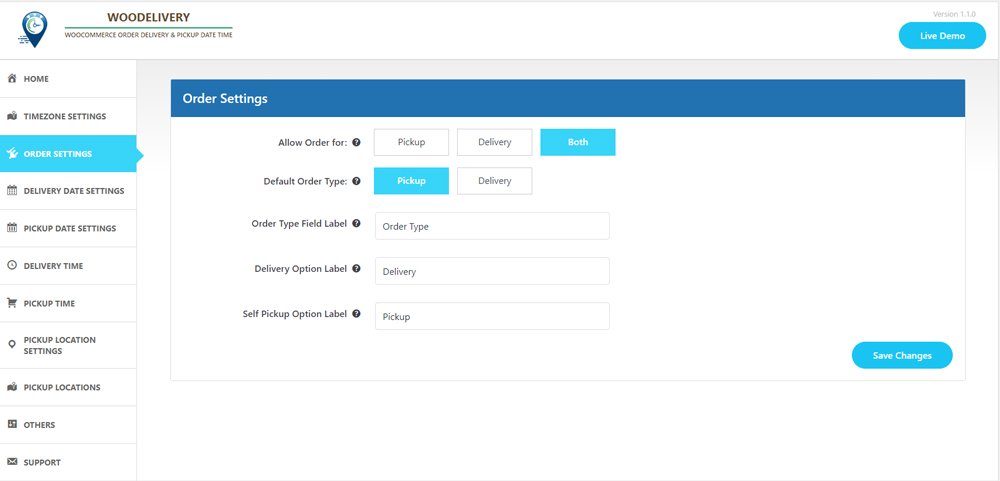
Determine the delivery type before selecting the date.
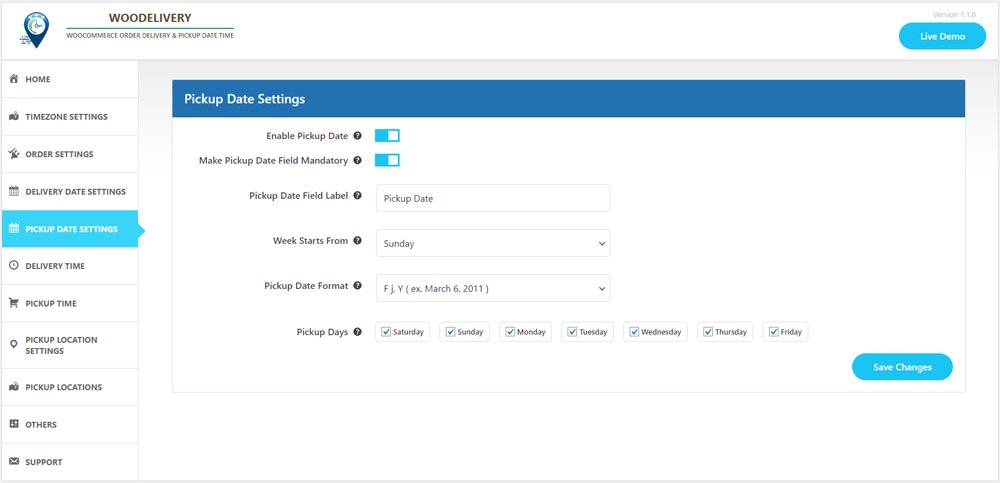
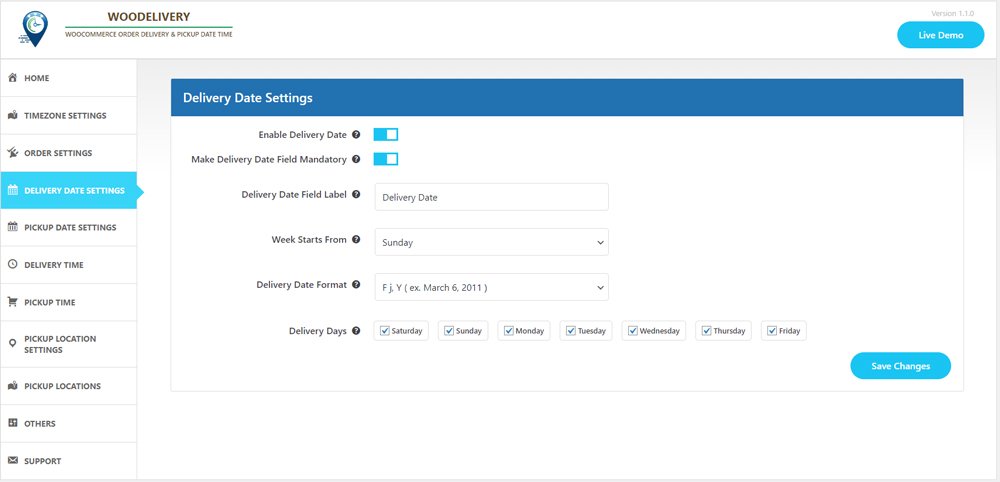
Allow your customers to effortlessly choose between Pickup or Delivery options before entering their address or selecting the delivery date.
- Offer pertinent delivery dates based on the user’s selected delivery type preference.
- Ensure a seamless customer experience when they choose delivery dates.
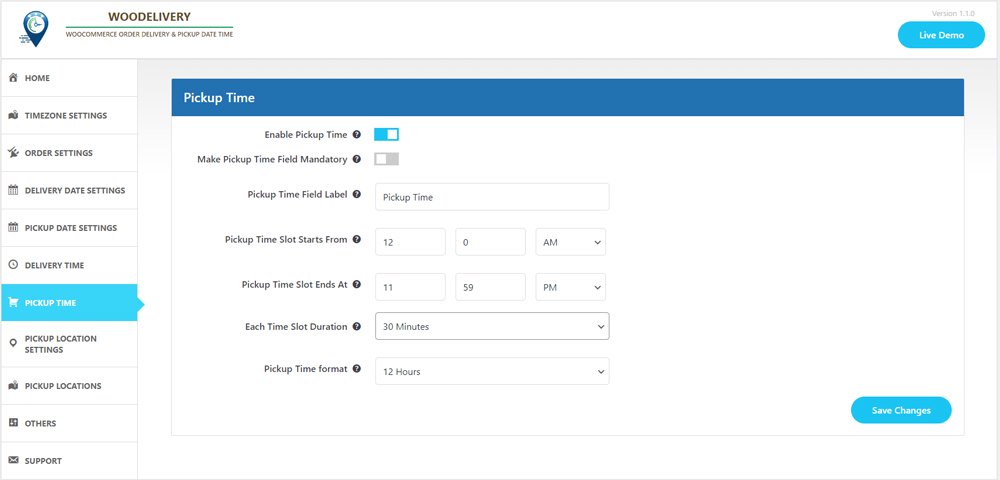
Delivery/Pickups time slot interval
- Customers can choose between time slot intervals of 30 minutes or 60 minutes.
- You can configure the start time and end time for each day of the week, from Monday to Sunday.
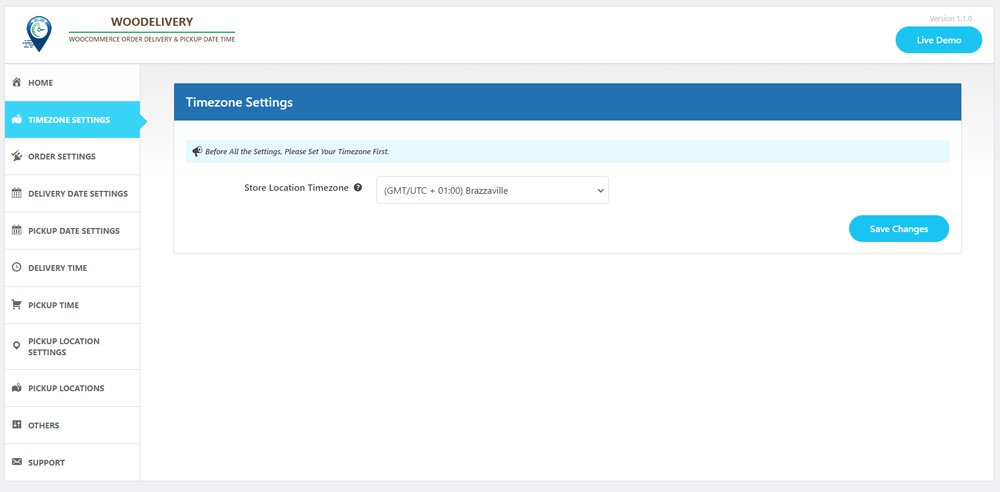
Hold on, the list isn’t complete yet
- Issue reminders prior to deliveries.
- Establish a store-wide order limit for custom delivery schedules.
- Apply charges exclusively to orders that fall below a certain amount.
- Deactivate the weekdays on which product deliveries are not available.
- Make the delivery time field either mandatory or optional on the checkout page.
- Customize the labels for the delivery date and time fields according to your business needs.
- You have the option to include additional charges for specific time slots on each day of the week.
It’s not just about the plugin; it’s about the overall experience we deliver

10,000+ customers trust us

Outstanding customer support

Regular Product Updates

Exceptional code quality

We value customer feedback
Plugin Screenshot
No Result Found!
The carousel you requested could not be found. Try changing your module settings or add some new slides.
Testimonial
No Result Found!
The carousel you requested could not be found. Try changing your module settings or add some new slides.
FAQ
Vestibulum rhoncus volutpat nisl eu finibus
Nam sodales lectus mauris
Praesent eget commodo massa
Mauris sit amet risus tellus
Morbi quis purus ut erat placerat ullamcorper nec et turpis
Latest Articles
Download the plugin
After purchasing the WC Product Slider plugin, you will receive a confirmation email at the address used during checkout. Follow the instruction- Log in to your WP dev studio account. Go to My Account → Dashboard → Downloads and download the Plugin file. Install the...
Installation & Activation Guide
Make sure WordPress is already installed on your server. If you’re unsure how to install WordPress, please contact your hosting provider or refer to the official documentation(link to...
System Requirements
To ensure optimal performance and compatibility, we recommend the following minimum server requirements: PHP: 5.6 or higher MySQL: 5.6 or higher WordPress: 4.4.1 or higher If you’re unsure whether your server meets these requirements, please contact your hosting...
Getting Started
System Requirements Installation & Activation Guide Updating the Plugin Admin Panel Overview Download the plugin Overview Getting Started System Requirements Installation & Activation Guide Updating the Plugin Admin Panel Overview Create Your First Slider...
Overview
Top WC Product Slider Plugins to Boost Conversions and SalesThank you for selecting WC Product Slider for your WooCommerce store or client project. We hope it helps streamline your development process and allows you to concentrate on expanding your business. We also...
Fatal Error Upon Plugin Activation.
Many have come to us with the problem that there is fatal error upon activation of ‘Woo Delivery Pickup ODT’. If any error you see does not have the above in the error string that means we need to look at it. Please immediately mail us at...
How its looks in checkout page.
First See the bellow image to understand the situation
Add additional fees for particular time slot
Additional fees for delivery on specific days. Set extra charges when a specific day is chosen for delivery. Like you can add addition fees for delivery on Sundays or any other specific day(s).Additional fees for pickup on specific days. Set extra charges when a...
‘Woo Delivery Pickup ODT’ plugin Admin side info.
All info is also shown on admin order details page, ie; order type: delivery/pickup, Delivery/pickup date and delivery/pickup time.Order info on adminstrator email WooCommerce order delivery date time info is shown on admin email.Order info to location adminstrator...
‘Woo Delivery Pickup ODT’ plugin Customers side info.
Show delivery/pickup date, time, location info on email WooCommerce order delivery date time info is shown on customers email, whenever an order is placed and you can control what texts to show with delivery/pickup date and time. Show delivery/pickup date, time,...
Money Back Guarantee
- Mauris sit amet risus tellus
- Sed commodo varius mi
- Morbi quis quam ut ligula fringilla
