 15 Days Money-back Guarantee
 Smile Safe & Secure online payment
 Dedicated Support
Picture a customer who orders a birthday cake on Tuesday. At checkout, nothing tells them when it will arrive, so they leave a note: “Needed Saturday morning, please!” Your team misses the note, the cake shows up Monday, and the party is ruined. Stories like this are why store owners go looking for the Best Delivery Plugin for WooCommerce. The right one turns a vague wish into a confirmed date and time. In this guide, we compare ODT – Pickup and Delivery Date for WooCommerce with other popular options so you can choose with confidence.
Why the Best Delivery Plugin Matters More Than You Think
Delivery scheduling is not a cosmetic add-on. It affects your support inbox, your packing schedule and your refund rate. Stores that let customers choose a slot usually field fewer “where is my order?” emails because expectations are set at checkout. A good plugin also protects your team from overpromising, since you can cap orders per slot and block dates you can’t serve.
If you want a deeper look at how scheduling works behind the scenes, our guide to the WooCommerce delivery time scheduler walks through the basics.
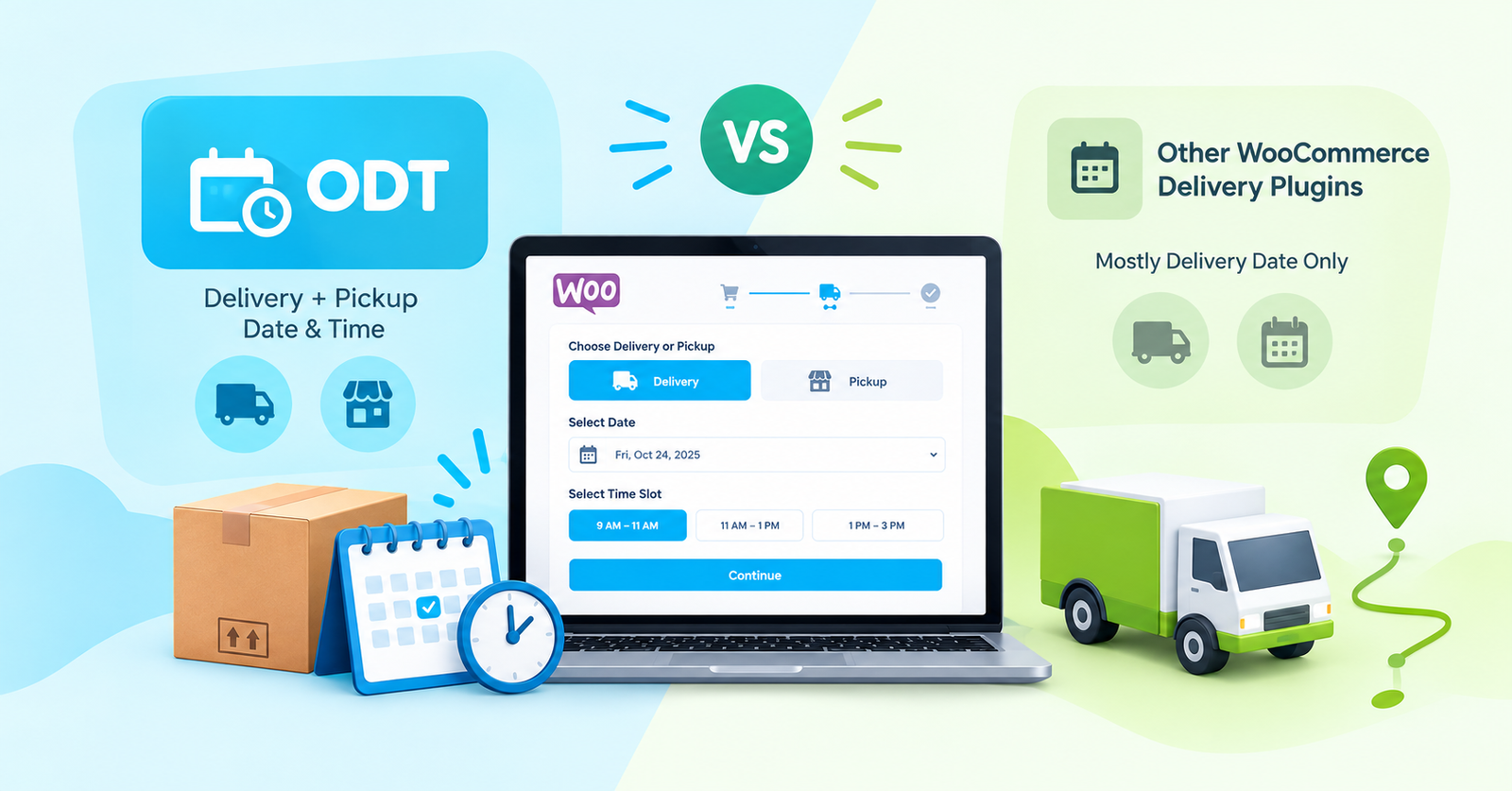
The Best Delivery Plugin Test: Try the “Friday Rush” Scenario
Most comparison articles list features. We suggest something more useful: imagine your busiest Friday and see which plugin survives it. Ask yourself:
- Can you limit orders per time slot? Without a cap, 40 customers can pick the same 5 p.m. window and your drivers can’t cope.
- Can you set cut-off times? If your kitchen stops accepting same-day orders at noon, the plugin should enforce that automatically.
- Does it handle both delivery and pickup? Many stores offer both, and a plugin built for only one forces workarounds.
- Can you block holidays and off days? Manual blocking every year gets old fast.
- Is the checkout experience clean on mobile? Most shoppers order from a phone, so a clumsy date picker costs sales.
- Do dates and times appear in order emails and the admin screen? If staff have to hunt for the chosen slot, the plugin is creating work instead of removing it.
Run every plugin you shortlist through these six questions. Whichever handles them with the fewest settings is probably the best delivery plugin for your store.
Where a Free WooCommerce Delivery Time Scheduler Starts to Struggle
Growth exposes gaps. These are the situations where free versions most often fall short:
- Multiple pickup points: If customers can collect from more than one store or locker, you need to manage each location separately, and basic plugins rarely handle this.
- Editing orders after checkout: When a customer calls to move their delivery, you want to change the date from the order page, not delete and recreate the order.
- Automatic notifications: Without an email when the schedule changes, your team ends up writing manual updates.
- Special instructions: Notes like “leave with the neighbour” or “ring twice” reduce failed deliveries, but they’re often missing from free tools.
- Support when something breaks: Free support can be slow, which hurts most during a busy sale week.
If two or more of those sound familiar, you’ve probably already outgrown the free tier.
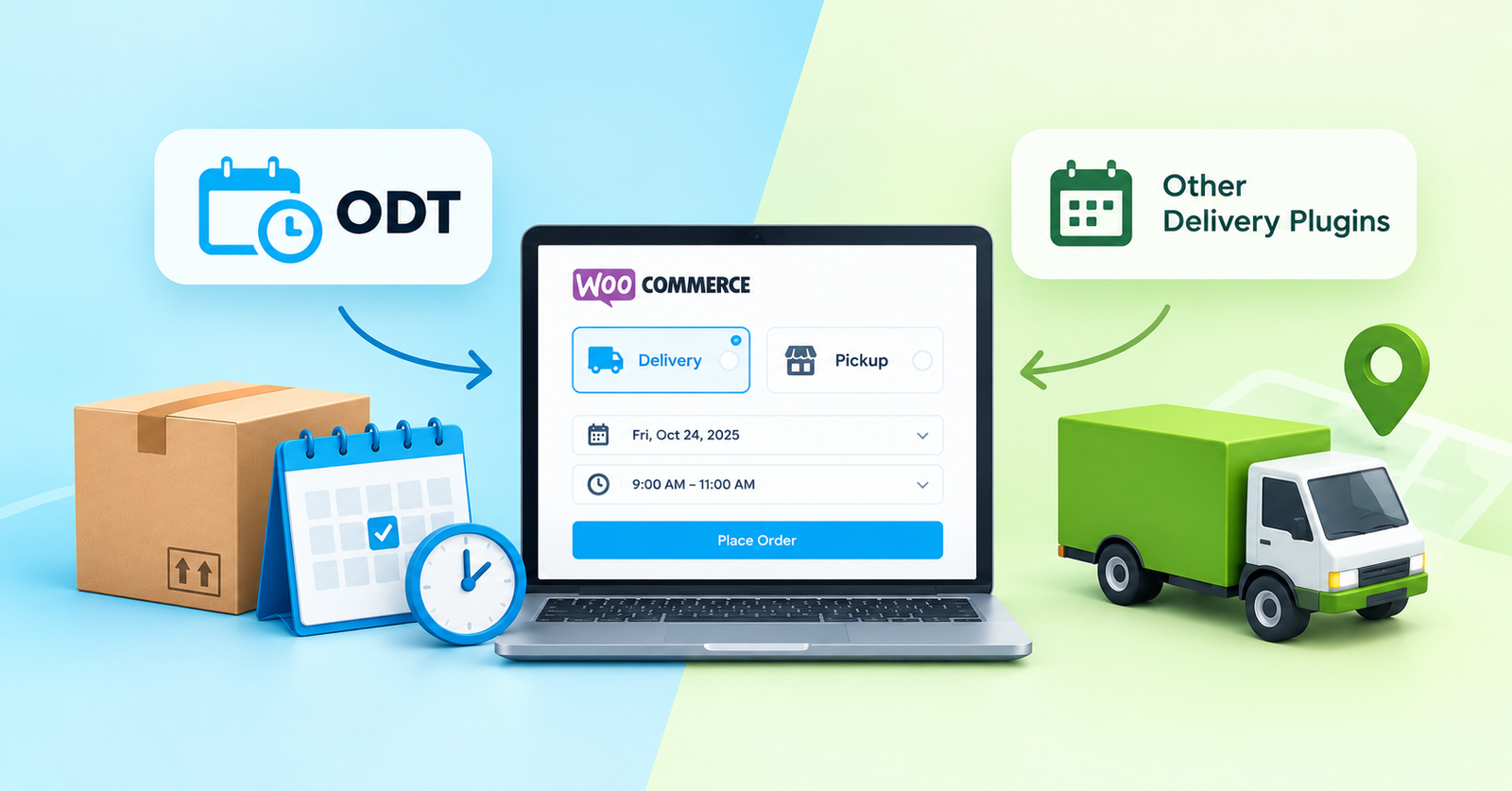
Why ODT Is a Strong Best Delivery Plugin Candidate
ODT is built around one idea: customers choose when they want their order, and store owners keep control. Our team designed it for real business situations instead of a long feature list nobody uses. You can browse everything we offer on our Plugins page.
What makes it worth a look:
- One plugin, two jobs. Delivery and pickup scheduling live together, so you don’t install and maintain two tools.
- Time slots, not just dates. Customers pick a window, which matters for perishable goods and appointment-style handovers.
- Made for smaller teams. The interface is meant to be understood in minutes, with no developer needed.
- Backed by a guarantee. WP Dev Studio offers a 15-day money-back guarantee, so you can test it in a real store with less risk.
Pickup deserves its own mention, because many stores treat it as an afterthought. If you run click-and-collect, our article on the WooCommerce pickup time plugin explains why pickup slots reduce crowding and waiting.
| What You're Comparing | ODT Approach | Delivery-Date-Focused Plugins |
|---|---|---|
| Core Focus | Delivery + Pickup Manage dates and time slots for both. |
Primarily focused on delivery date selection. |
| Best For | Restaurants, bakeries, florists, and local shops. | Stores that ship on fixed schedules. |
| Setup Style | Designed for straightforward configuration. | Settings vary depending on the plugin. |
| Support | Support from the ODT plugin team. | Support varies by developer. |
When Another Tool Could Be the Best Delivery Plugin for You
No single plugin wins every time. Be honest about your store type:
- Choose ODT if you sell food, flowers, gifts or anything time-sensitive, or if you offer both delivery and pickup and want one simple tool.
- Choose a date-only plugin if you ship parcels by courier and only need customers to pick a day, with no time windows.
- Choose something more complex only if you have multi-warehouse logistics or route planning needs that go beyond scheduling.
Test before committing if you’re unsure. Install on a staging site, place five test orders and see which one feels natural.
Best Delivery Plugin Checklist Before You Buy
Before spending anything, check three things. First, read the plugin’s documentation, because clear docs signal a team that cares. Ours are available in the Documentations section, so you can see exactly what ODT can and can’t do. Second, check how recently the plugin was updated and whether it supports your WordPress and WooCommerce versions. Third, send a pre-sales question and see how fast the developer replies. Support speed before the sale is a good preview of support speed after it.
Our Verdict: Which Is the Best Delivery Plugin?
If your store depends on promising a specific time, ODT is a very strong choice, especially for local businesses that handle both delivery and pickup. If your needs are simpler or heavier, one of the alternatives above may suit you better. The best delivery plugin is the one your customers use without thinking and your team stops worrying about.
Have questions before you decide? Reach out through our Support page, or keep learning on the Blog.
Q. What is the best delivery plugin for WooCommerce?
It depends on your store. For businesses that need delivery and pickup with date and time selection, ODT is a strong option. For simple date-only scheduling, other plugins can work well.
Q. Why do I need a delivery date plugin in WooCommerce?
WooCommerce does not let customers pick a delivery date or time by default. A plugin adds that choice, reduces confusion and cuts down on support requests.
Q. Which features should the best delivery plugin include?
Look for time slots, order limits per slot, cut-off times, blocked dates, pickup support and mobile-friendly checkout.
Q. How does ODT differ from other delivery plugins?
ODT combines pickup and delivery date and time management in one tool and is designed to be quick to set up, while some alternatives focus mainly on delivery dates.
Q. Where can I get help setting up ODT?
You can read the documentation or contact the support team through the links above.
Q. When should I switch to a different delivery plugin?
Switch if you’ve outgrown your current plugin’s limits, such as needing time slots, pickup support or better order caps, or if updates and support have gone quiet.
