 15 Days Money-back Guarantee
 Smile Safe & Secure online payment
 Dedicated Support
If you run a WooCommerce store that ships products, handles local deliveries, or offers pickup, you’ve probably faced the same question at some point: should you keep managing delivery slots by hand, or is it time to bring in a WordPress Delivery Time Plugin? It sounds like a small decision, but it quietly shapes how smoothly your entire order fulfillment process runs — and how many headaches you deal with every week.
Manual scheduling feels manageable when you’re processing five or ten orders a day. But the moment your store starts growing, spreadsheets, phone calls, and back-and-forth emails turn into a logistical mess. This is exactly where a purpose-built WordPress Delivery Time Plugin earns its place in your tech stack — not as a “nice to have,” but as infrastructure that keeps your store from tripping over its own success.
What Is Manual Delivery Scheduling, Really?
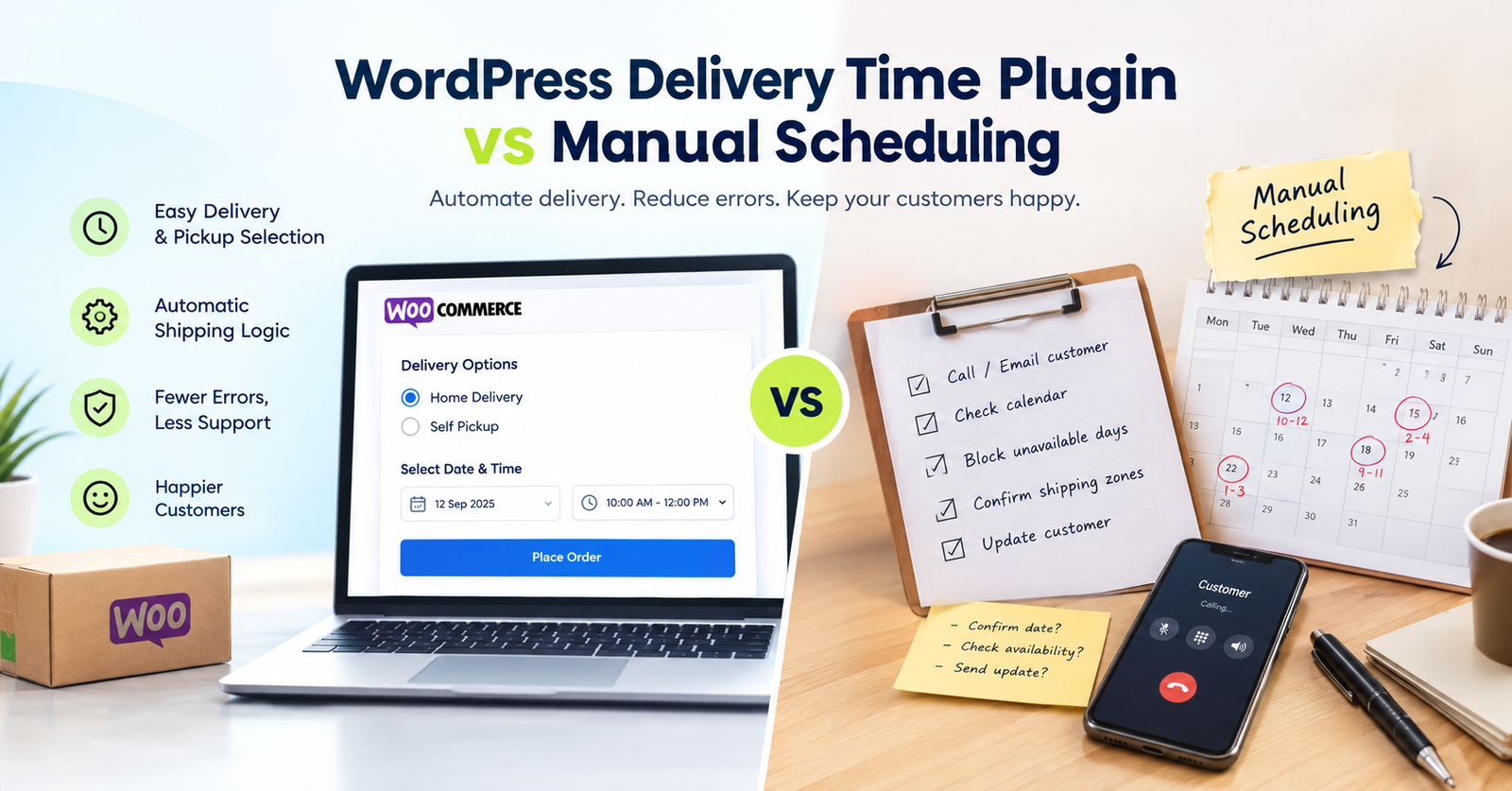
Manual delivery scheduling means a human — usually you or a staff member — decides delivery windows after an order comes in. That might involve:
- Calling or emailing the customer to confirm a convenient time
- Checking a shared calendar or notebook for open slots
- Manually blocking out days when the team is unavailable
- Cross-referencing shipping zones with delivery capacity by hand
- Updating the customer again if something changes
It works, technically. But it depends entirely on someone remembering to do it correctly, every single time, for every single order. One missed email or double-booked slot, and you’ve got a frustrated customer and a scramble to fix it.
Why Store Owners Are Switching to a WordPress Delivery Time Plugin
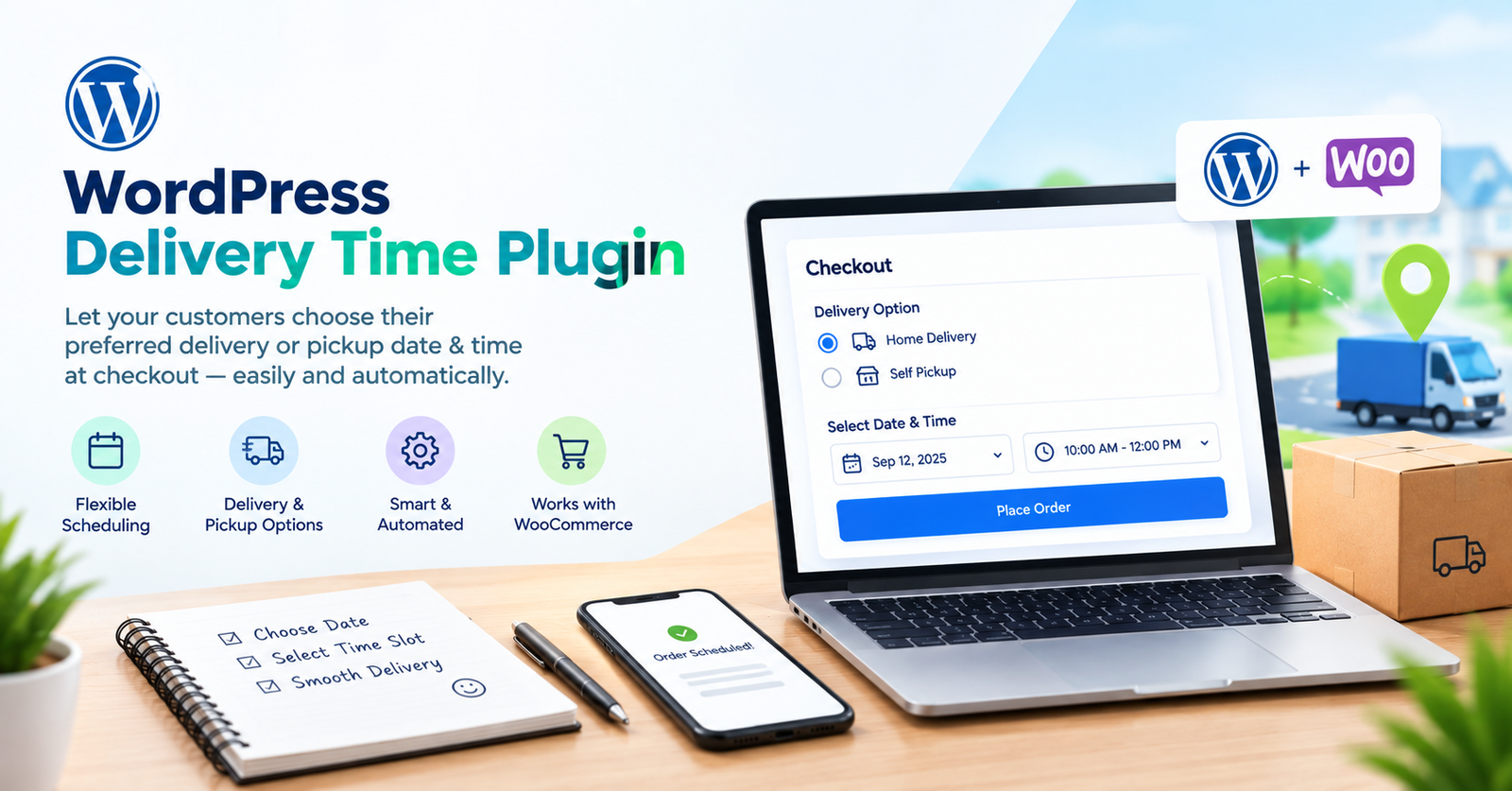
A WordPress Delivery Time Plugin removes the guesswork by putting the scheduling logic directly at checkout. Instead of sorting things out after the sale, customers pick their preferred date and time slot themselves, and the system takes care of the rest — availability rules, blackout dates, and shipping logic included.
Here’s what a well-built plugin brings to the table:
- Fully compatible with the Classic Checkout page, so it fits naturally into stores that haven’t (or don’t want to) move to block-based checkout
- Lets customers choose between Home Delivery and Self Pickup right at checkout, instead of guessing or contacting support
- Hides the shipping address section automatically when a customer selects Pickup, keeping the checkout form clean and relevant
- Gives you the option to disable same-day delivery or pickup when your team needs more lead time
- Fully compatible with WooCommerce HPOS (High-Performance Order Storage), so it works with WooCommerce’s modern order management system without conflicts
- Ability to hide the delivery/pickup module for specific shipping methods — handy if you rely on local couriers or postal services that don’t need date selection
- Delivery and pickup options are automatically enabled or disabled based on your WooCommerce shipping settings, so you’re not manually toggling things every time your logistics change
- WooCommerce shipping methods update automatically depending on whether the customer chose delivery or pickup, keeping shipping costs and options accurate
Put simply, the plugin handles the operational logic that used to sit entirely on your shoulders — or your support inbox.
Manual Scheduling vs Plugin-Based Scheduling: The Real Difference
The honest comparison isn’t “manual is bad and plugins are good.” It’s about scale and consistency. Manual scheduling can work fine for a tiny, low-volume shop where the owner personally knows every customer. But a WordPress Delivery Time Plugin becomes essential the moment you want predictable, repeatable operations that don’t rely on someone’s memory.
Think of it this way: manual scheduling is like directing traffic by hand at an intersection — it works until there are too many cars. A delivery plugin is the traffic light — it just runs, consistently, without needing anyone to stand there.
Where manual processes fall behind:
- No automatic connection between delivery date and shipping method
- Address fields shown even when a customer is picking up in person
- Same-day slots offered even when the team can’t realistically fulfill them
- No easy way to hide delivery options for shipping methods that don’t need them
- Extra manual work every time WooCommerce shipping settings change
A dedicated plugin solves each of these without you lifting a finger after setup.
Setting Up the Right Plugin for Your Store
The good news is that setting up a WordPress Delivery Time Plugin doesn’t require a developer. If you’re evaluating options, it’s worth browsing through the available Plugins to see which one aligns with your checkout flow, especially if you’re still using the Classic Checkout page rather than the newer block editor version.
Once you’ve chosen a plugin, the setup itself is usually straightforward if you follow structured Documentations — most delivery plugins walk you through configuring delivery windows, pickup locations, and shipping method rules step by step.
Final Thoughts
Manual delivery scheduling isn’t inherently wrong — it’s just not built for growth. As order volume increases, the margin for human error grows right along with it. A WordPress Delivery Time Plugin takes the repetitive, error-prone parts of scheduling and automates them, from hiding irrelevant checkout fields to syncing with your shipping methods automatically.
WordPress itself powers a huge share of ecommerce sites today, and much of that growth comes from extensions like these that let store owners run more sophisticated operations without hiring a full logistics team. If you’re still scheduling deliveries by hand, it’s worth testing a plugin-based approach — and if you run into questions along the way, the Support team can help you get set up correctly the first time.
Q. What is a WordPress Delivery Time Plugin used for?
It lets WooCommerce customers select a specific delivery or pickup date and time during checkout, instead of leaving scheduling to be sorted out after the order is placed.
Q. Why should I switch from manual delivery scheduling to a plugin?
A plugin reduces human error, saves staff time, and automatically syncs delivery options with your shipping settings — something manual processes can’t reliably do at scale.
Q. When should a store consider self pickup options?
When you have a physical location, warehouse, or storefront, offering Self Pickup alongside Home Delivery gives budget-conscious or nearby customers a faster, no-shipping-fee option.
Q. Which checkout type does this type of plugin usually support?
Many delivery plugins, including the one built by WP Dev Studio, are fully compatible with the Classic Checkout page, which is still widely used across WooCommerce stores.
Q. How does a delivery plugin handle same-day orders?
Store owners can disable same-day delivery or pickup entirely if their team needs more preparation time, preventing overpromising to customers.
Q. Where can I learn more about delivery scheduling for WooCommerce?
You can read more detailed comparisons and setup guides on the Blog, including posts on the best WordPress delivery date and time plugin, a closer look at delivery time plugin features, and a roundup of the best delivery and pickup date and time plugins for WooCommerce.
Want to see it running on a live store? Explore the plugin here or check the documentation to get started.
